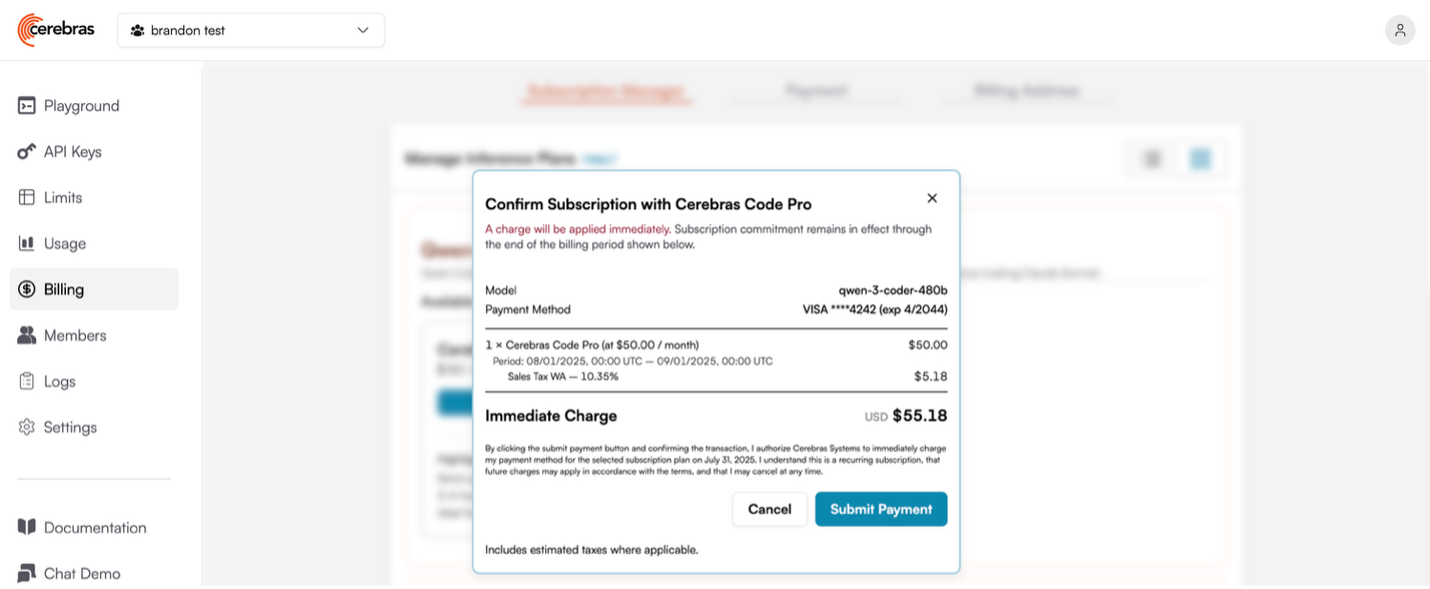
How to Sign Up for a Cerebras Code Plan
Last updated: August 1, 2025
Create/Log-in to you cloud.cerebras.ai account
Navigate to the Billing tab
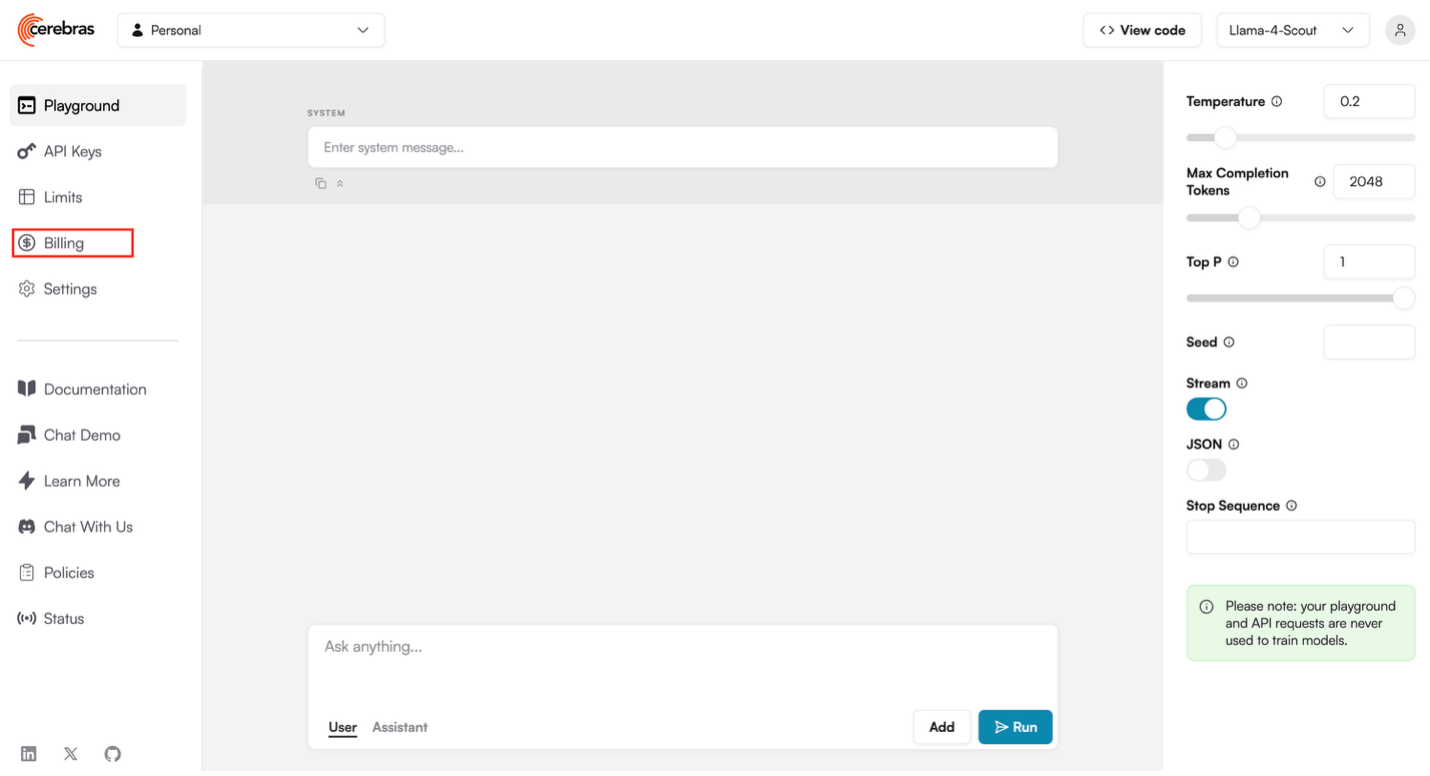
If this is your first time in the Billing tab, you’ll need to set-up a billing organization.
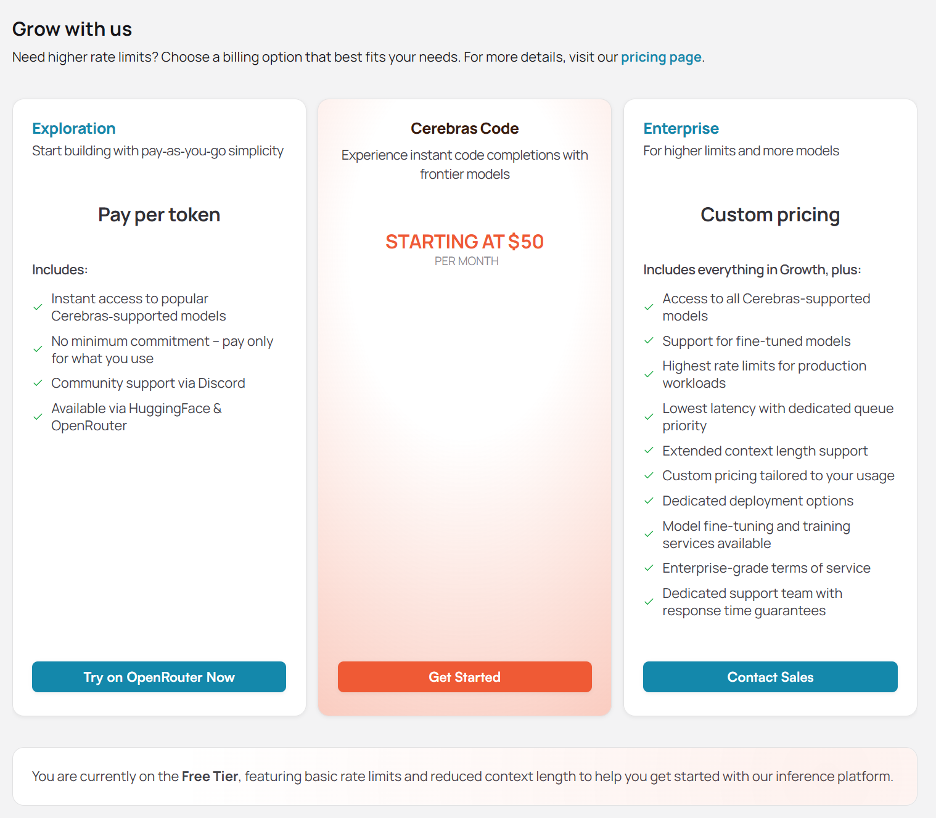
Select “Get Started” in the Cerebras Code column
b. Accept T&C
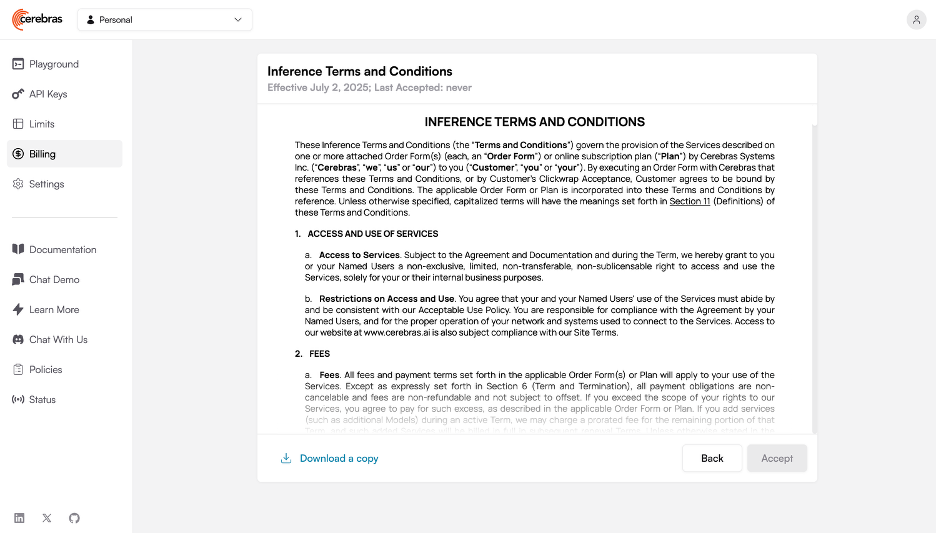
c. Accept DPA
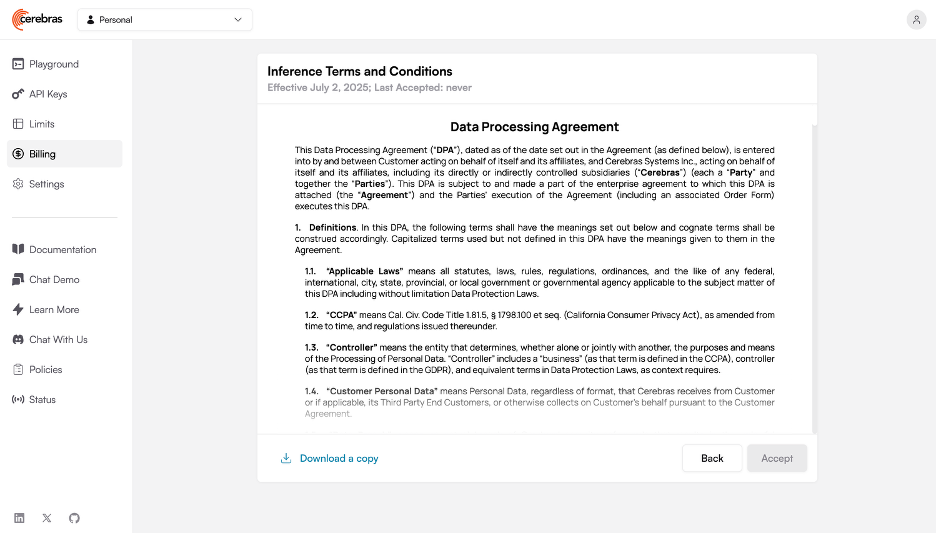
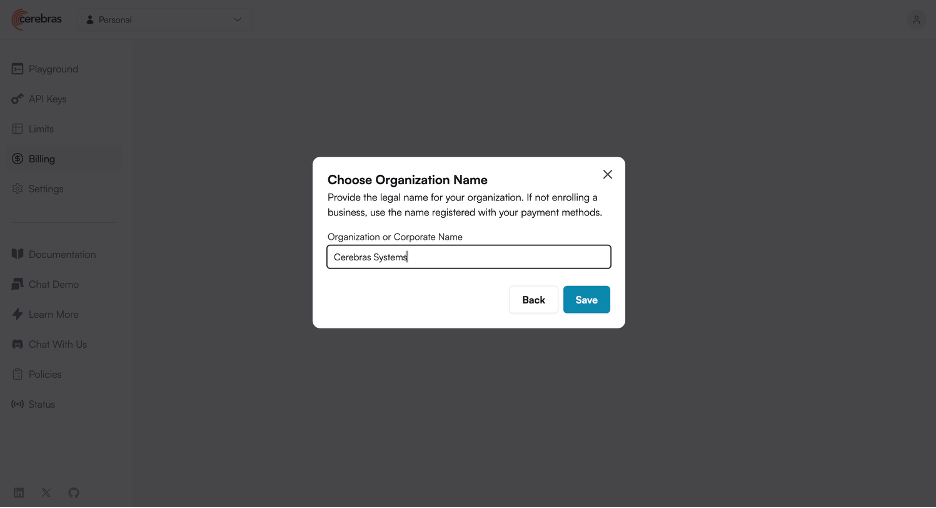
d. Name your organization
Once you’re in, select a Cerebras Code Plan
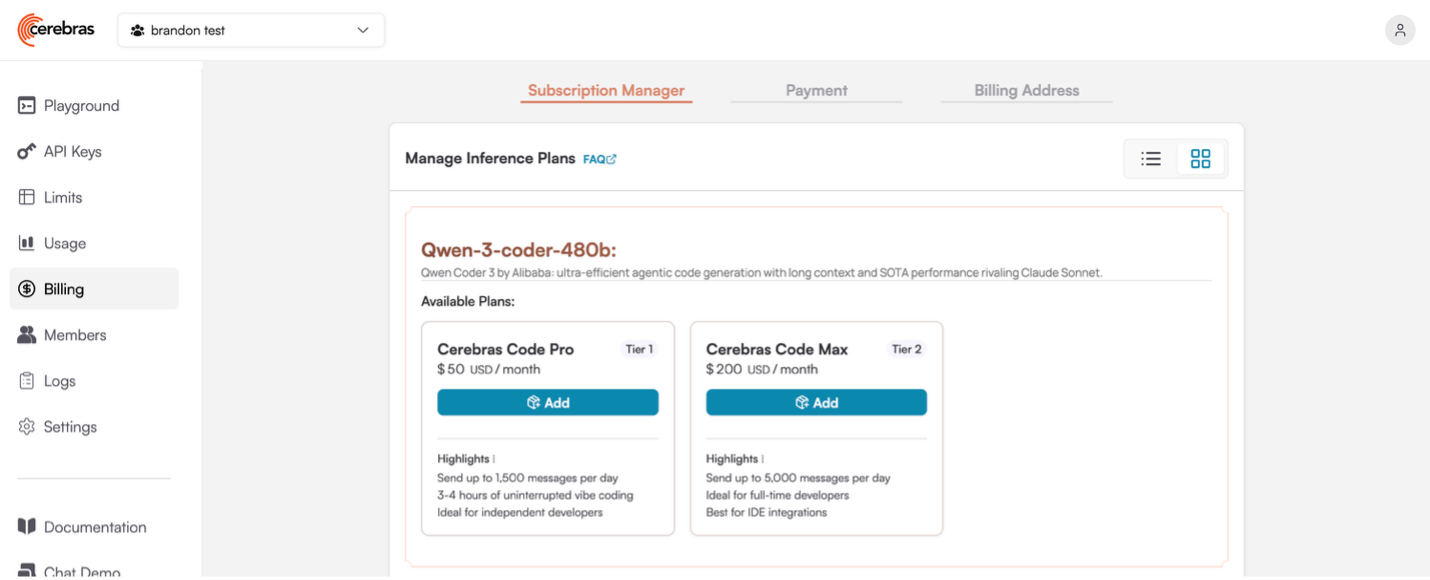
Add your billing and payment information, and you’re good to go!