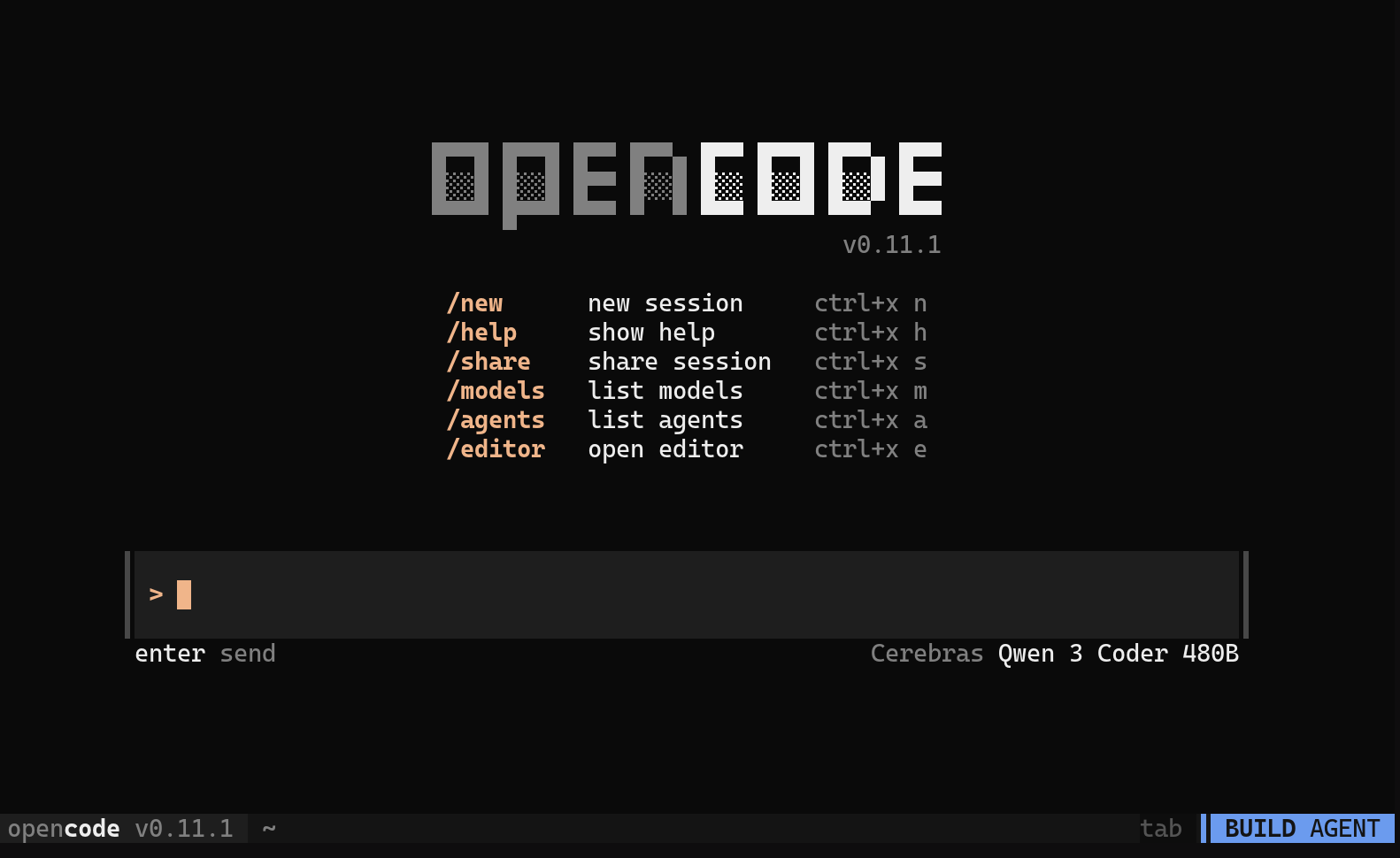
Getting Started with OpenCode
Last updated: September 23, 2025
This guide walks you through configuring Cerebras as a provider for OpenCode, a 100% open-source, terminal-focused AI coding assistant that runs multiple models and integrates deeply with developer tools for seamless coding automation.
1. Install OpenCode
curl -fsSL https://opencode.ai/install | bash
2. Configure OpenCode for the first time
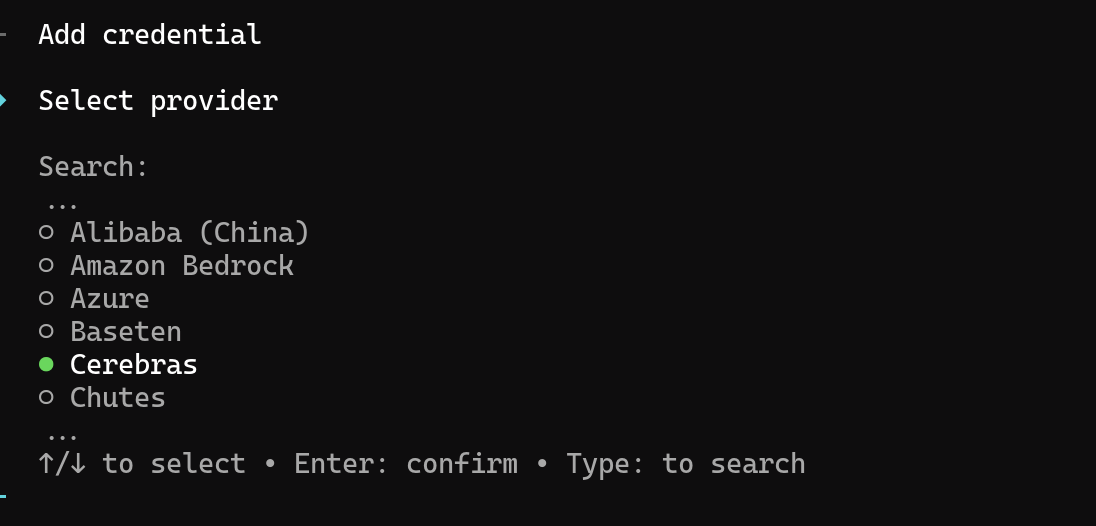
Run
opencode auth login
and select Cerebras from the dropdown menu.
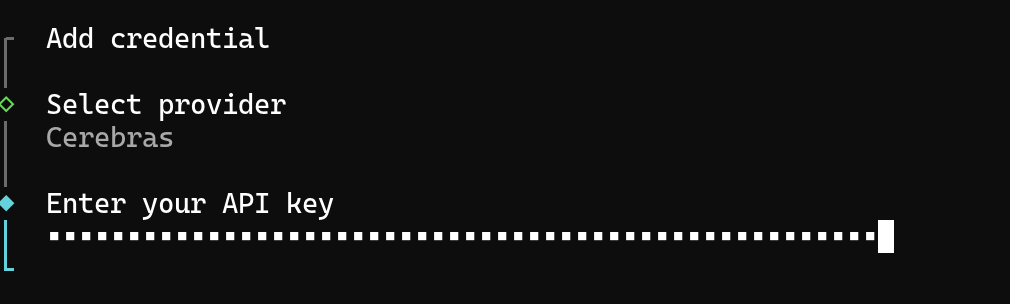
3. Enter your API Key
Enter your Cerebras API key to be used in OpenCode.
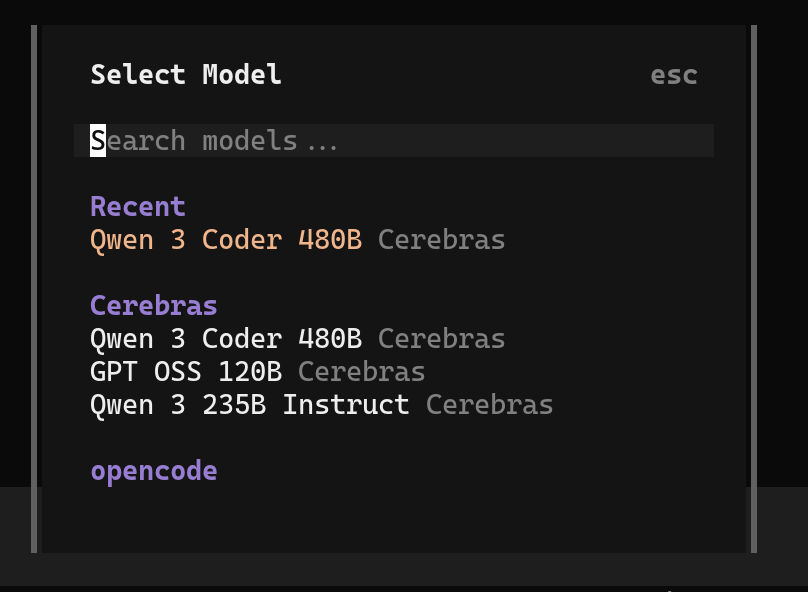
4. Select a Model
Run the
/models
command to select a model, like Qwen-3-coder-480b
5. That’s it!